





Description
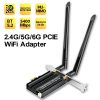
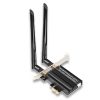
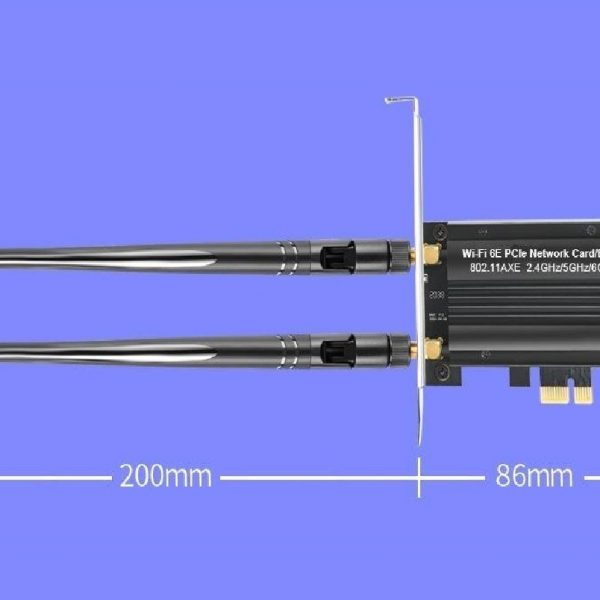
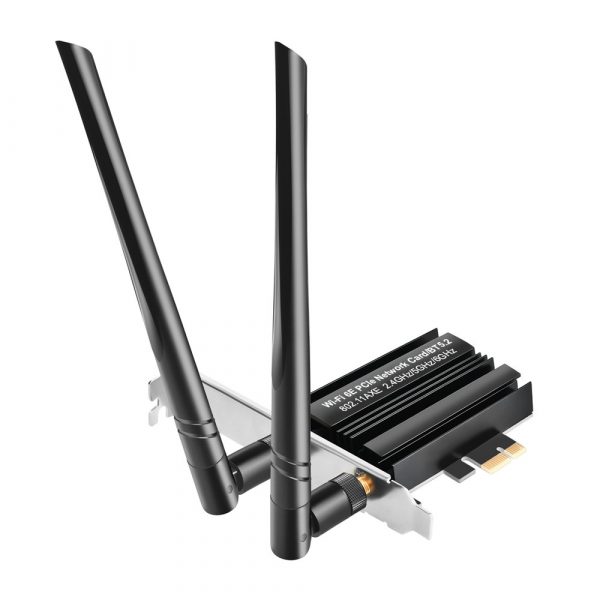
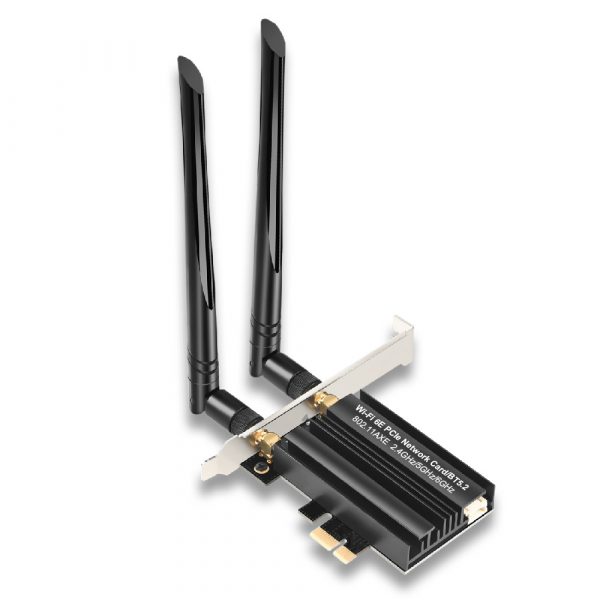
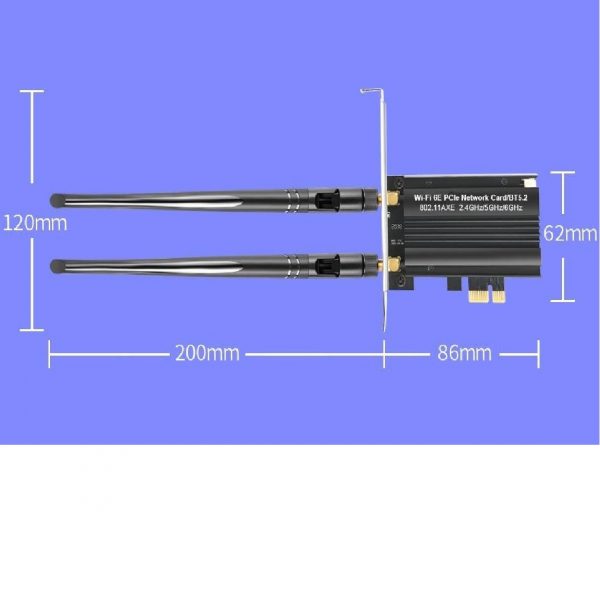
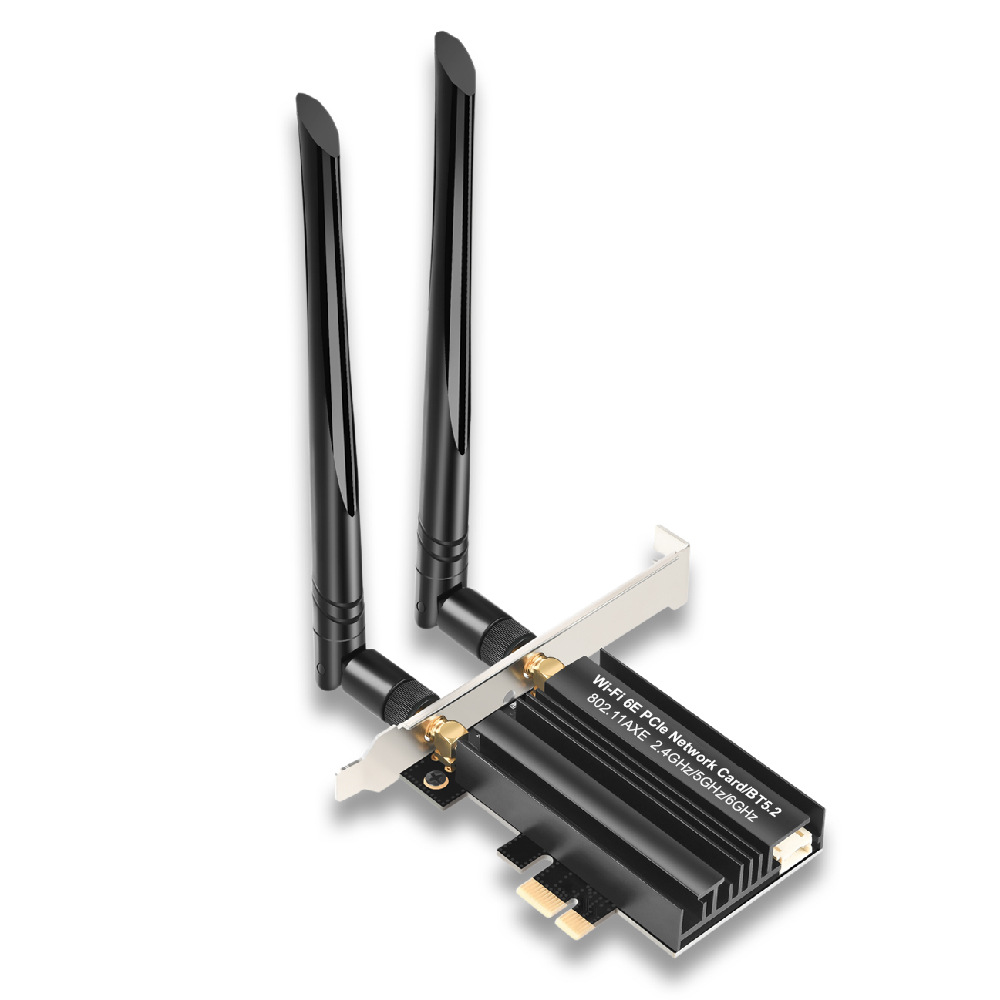
Get ready to step into the future of wireless internet with our Wi-Fi 6E AX3000 PCIe card. Optimized for absolute performance, this PCIe Wi-Fi Card offers high-speed, reliable internet access with a range that conquers walls and multiple devices without breaking a sweat.
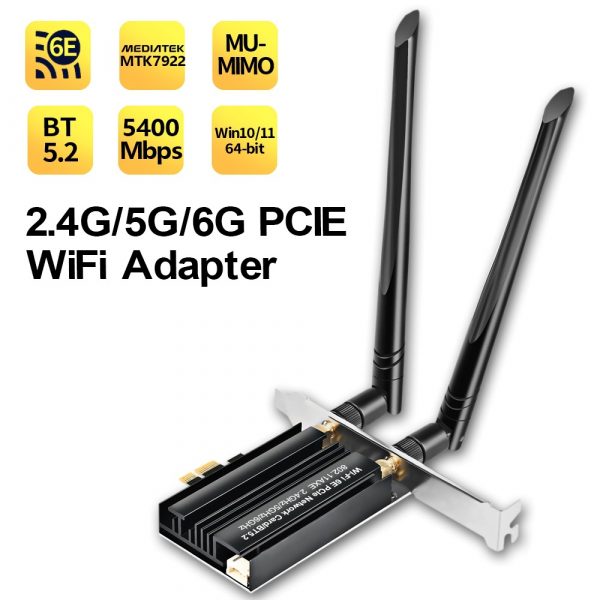
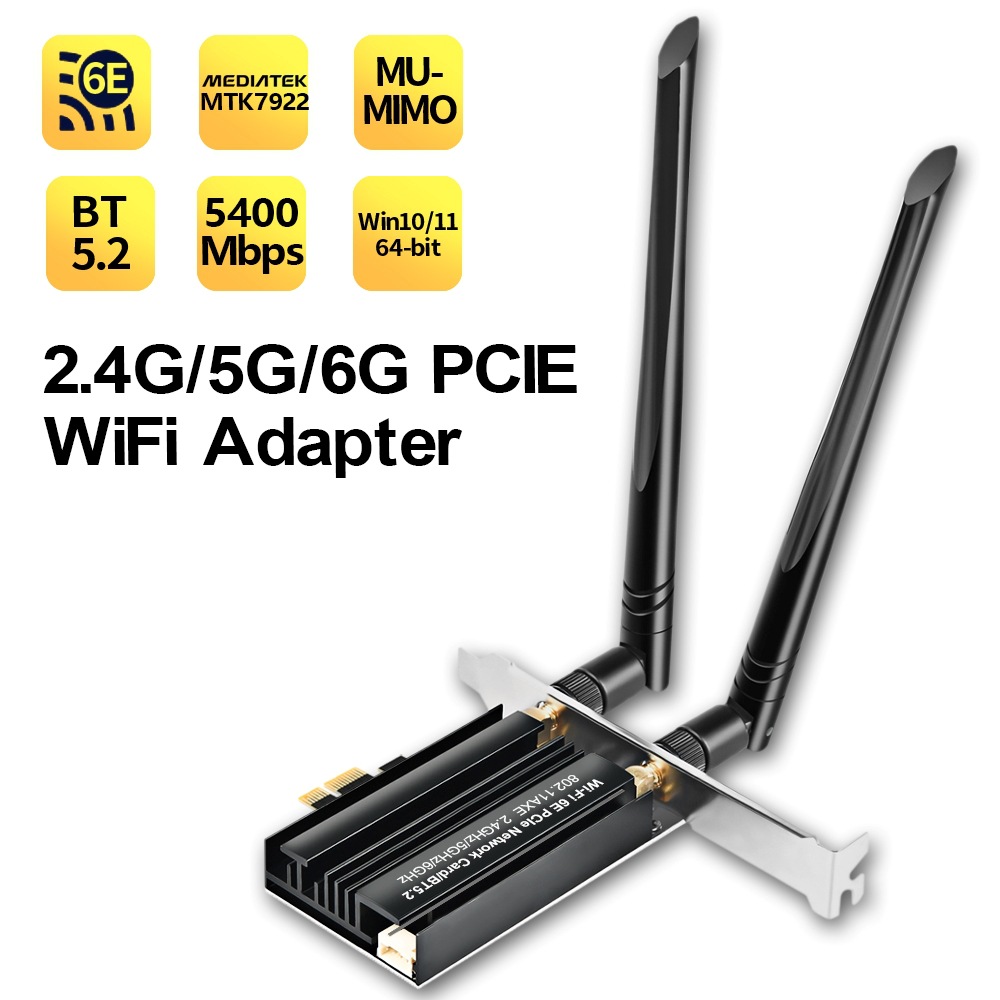
Powered by Wi-Fi 6 and equipped with an 802.11AXE tri-band wireless adapter, the card delivers speeds up to 5374Mbps transmission rate
with ultra-low latency. It’s tailored to offer the optimal bandwidth and range, translating into seamless 4K streaming, low-latency gaming, and uninterrupted video calls.
The card harnesses the power of Bluetooth 5.2, providing lightning-fast speeds and more reliable connections for all your Bluetooth devices. Sync, stream, or game with all the bandwidth you’ll need. Plus, the card is designed to connect with the 2.4g, 5g, and 6g bands ensuring optimal performance.
Experience unhindered multi-device connectivity with MU-MIMO technology, providing high bandwidth Wi-Fi signals to multiple devices simultaneously without any lag or time delay. This results in a smoother and more stable wireless connection for all your devices.
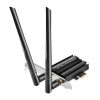
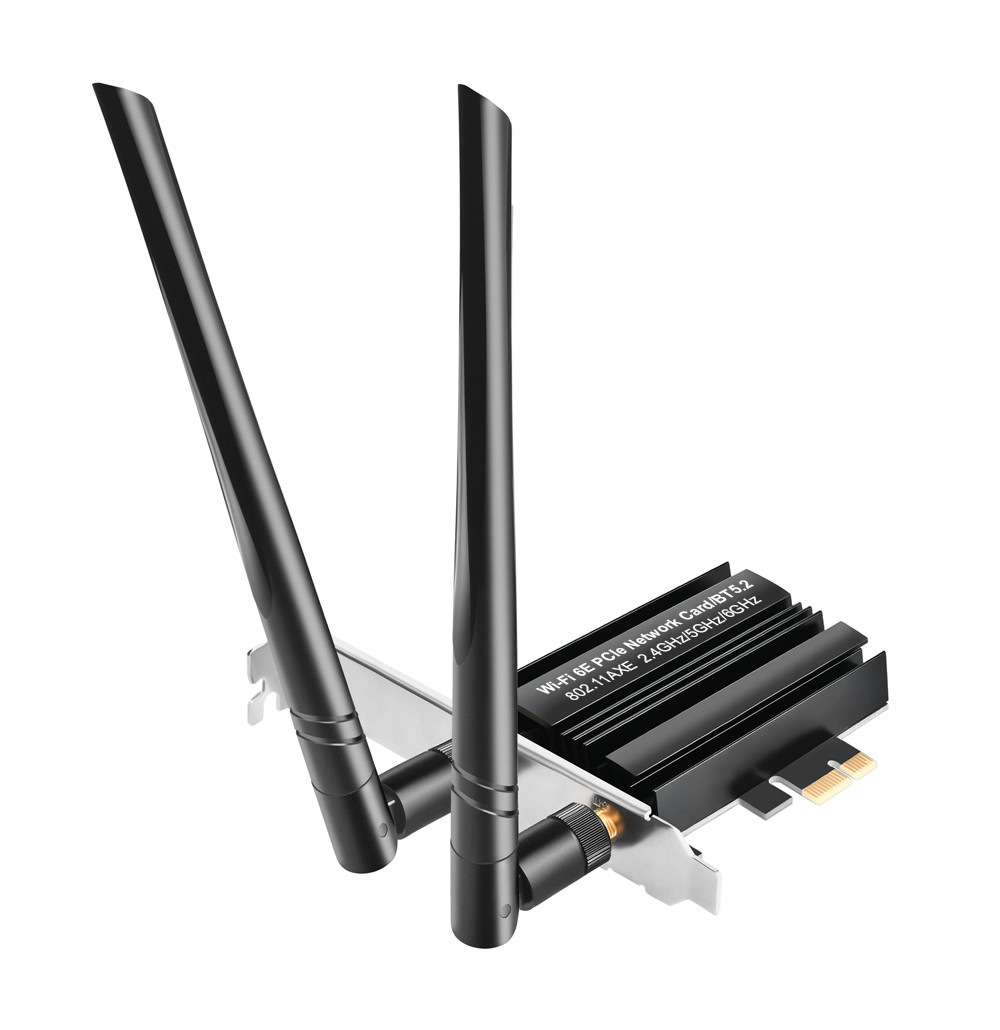
Engineered to perfection, the unit includes a heat sink to keep temperatures low, ensuring optimal performance and longevity of the card. Running hot isn’t an issue even during intense data transfers or while gaming.
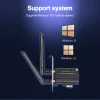
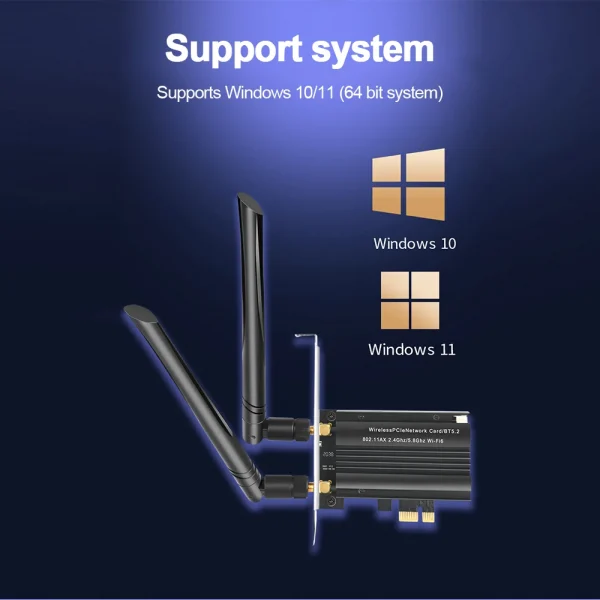
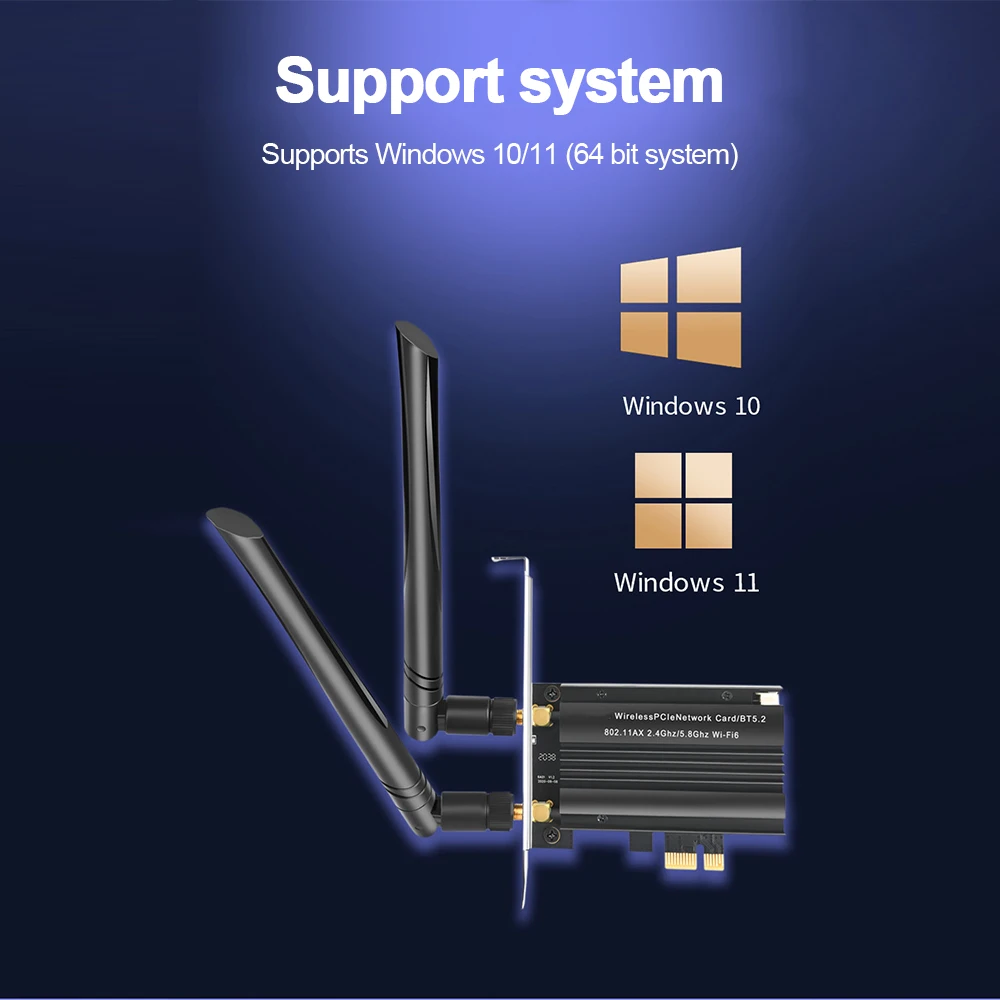
Supporting Windows 11, 10 (64bit), this PCIe Wi-Fi Card, powered by MediaTek MTK7922 chipset, is the ultimate solution for online gaming and 4K/8K Ultra HD video streaming. Immerse yourself in a new world of seamless, high-speed internet with our Wi-Fi 6 AX3000 PCIe Wi-Fi Card. Stay connected like never before.
—
Understanding the following information for a better product experience:
Before you proceed with the installation and enjoy the full benefits of our **Wi-Fi 6E AX3000 PCIe Network Card for PC with Heat Sink**, please consider these important points to maximize your product experience:
1. **Desktop Computers Only**: This product is exclusively designed for desktop computers. To enable Bluetooth functionality, you must connect the included Bluetooth cable to the 9-pin F-USB interface on your motherboard. Without this connection, the Bluetooth capabilities will not be operational.
2. **Wireless Network Card Specifications**: Our wireless network card boasts an impressive speed of up to 5374Mbps, divided across three bands (2.4G up to 574Mbps, 5G up to 2400Mbps, and 6G up to 2400Mbps). Pairing this card with a WiFi 6 or newer router will unleash the full potential and ensure you take advantage of peak performance.
3. **Router Speed Limitations**: While our Wi-Fi card is designed to optimize your computer’s reception of the signal and speed from the router, it will not increase the speed of the router itself. The actual achievable speed is contingent upon your broadband network service package and the capabilities and settings of your router.
4. **Understanding Speed Limitations**: If you are not experiencing the maximum advertised speeds, this does not necessarily reflect the quality of the adapter. Many factors, such as the network environment, your router’s capabilities, physical obstructions, and interference from other wireless devices can impact your connection speed.
5. **Turn Off Built-in Wi-Fi on Desktops**: For desktop users with an existing built-in Wi-Fi function, please ensure that you disable the onboard Wi-Fi to prevent any potential conflict or performance issues with our PCIe Wi-Fi card.
Additional Instructions:
– Your desktop must be equipped with an available PCIe slot to install this network card.
– A driver installation is required to ensure full functionality of the network card. Use the CD provided with the package or using the QR code on the manual download and Install the drivers for Wi-Fi and Bluetooth. Once the installation is finished, reboot your computer to ensure that the new drivers are properly loaded.
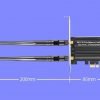
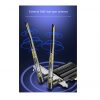
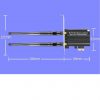
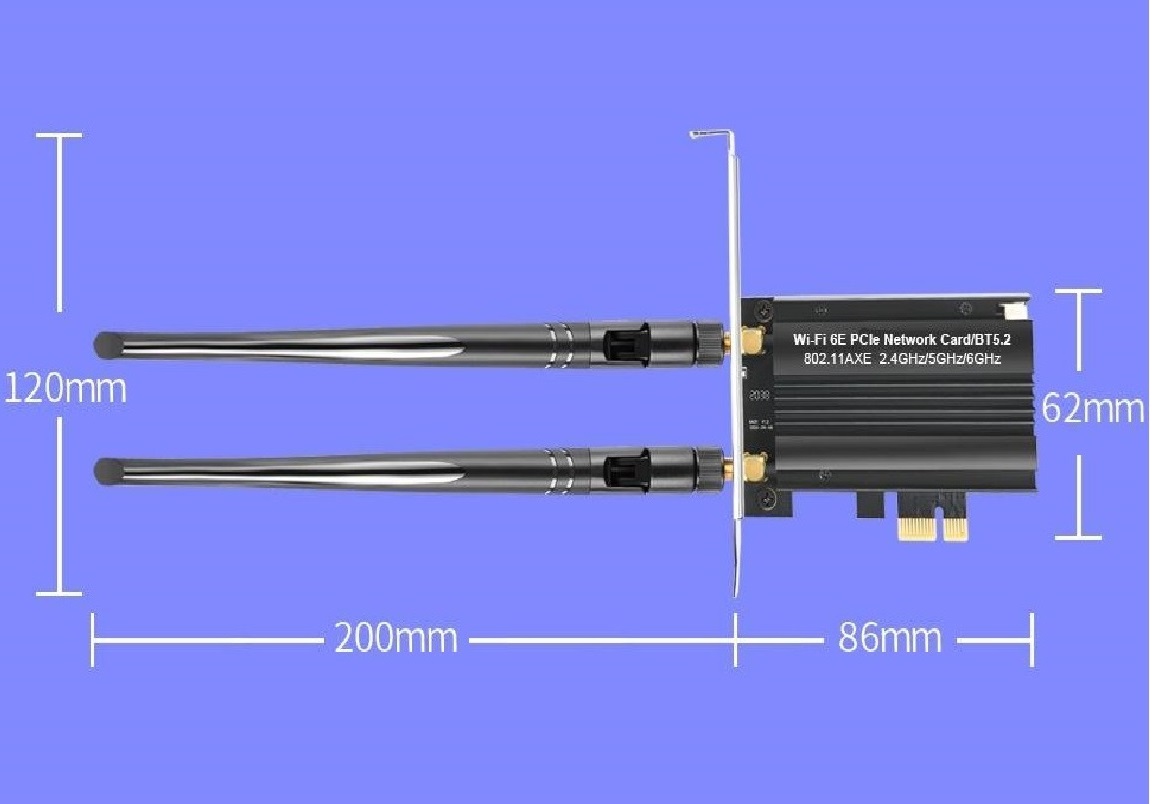
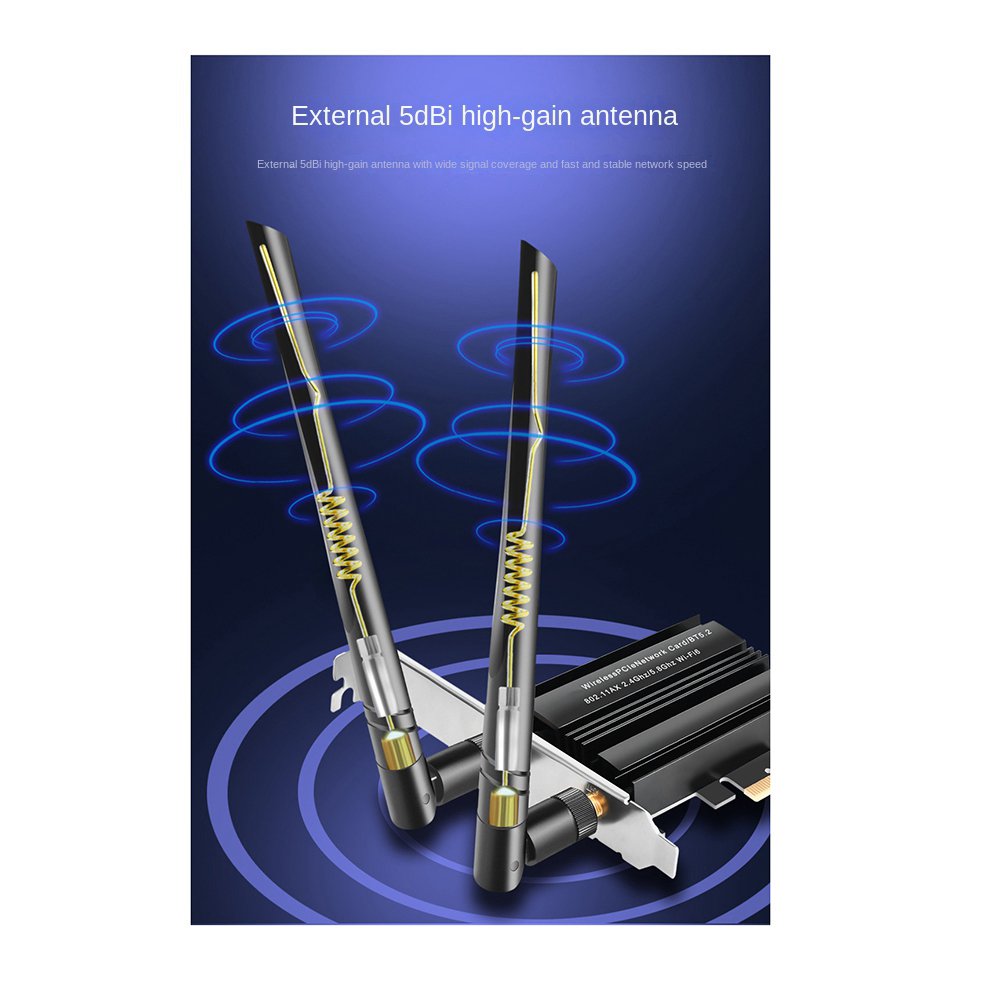
– For enhanced performance, position the antennas provided with the card for optimal signal reception.
By following these guidelines, you’ll be equipped to enjoy the full benefits of our network card’s capabilities, ensuring an improved wireless experience with faster connections, reduced latency, and enhanced reliability.
Should you require any assistance or if you have questions regarding these points, our customer service team is readily available to provide support.
Thank you for choosing our Wi-Fi 6E AX3000 PCIe Network Card as your go-to connection solution. Welcome to the future of networking!
Our Support Center https://support.digitaldevices.ca or support@digitaldevices.ca
Reviews
There are no reviews yet.