
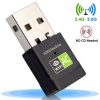
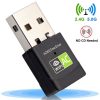
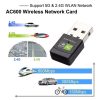
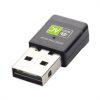
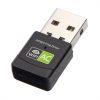
Description
—
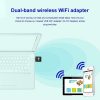
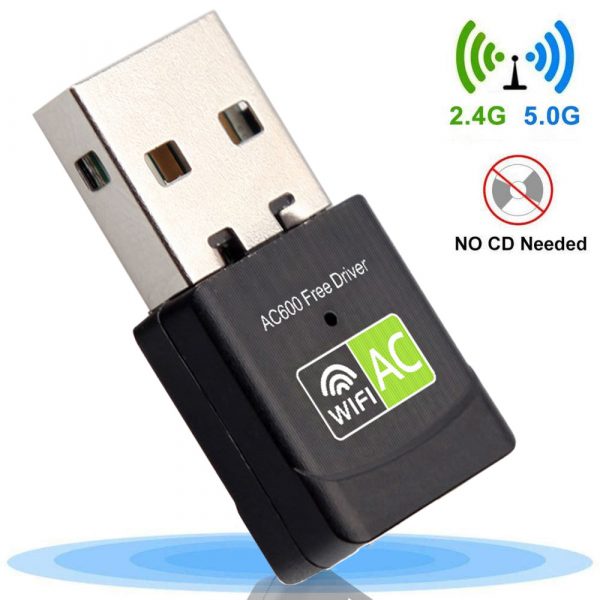
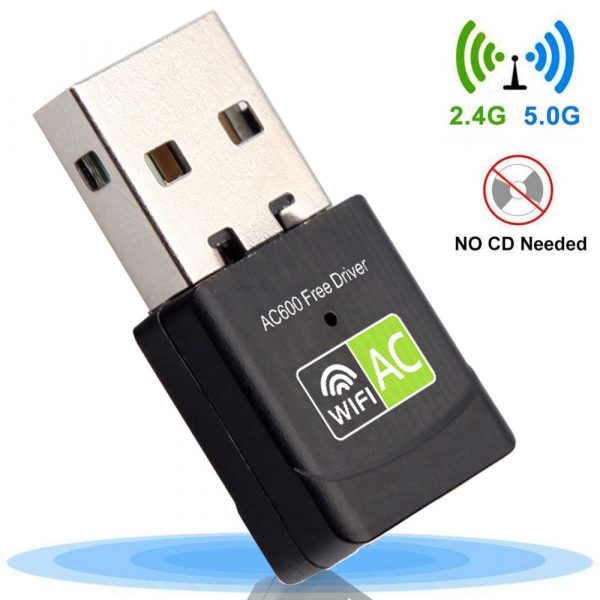
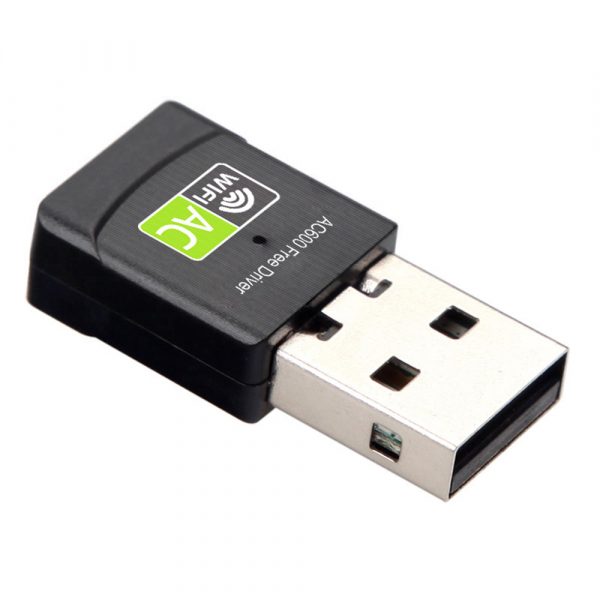
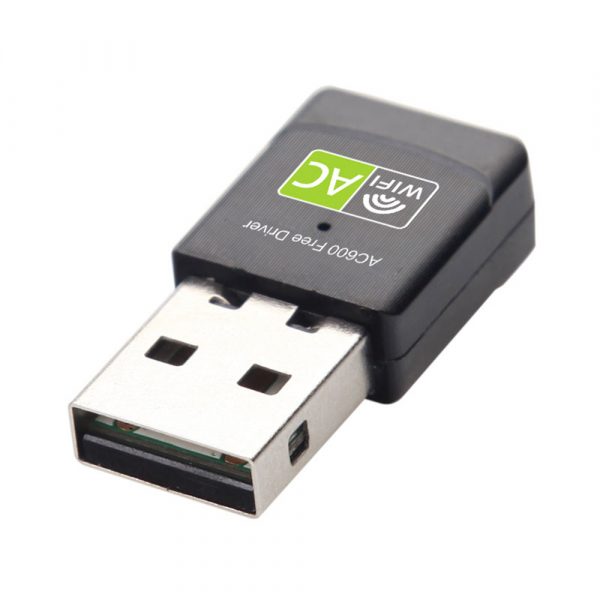
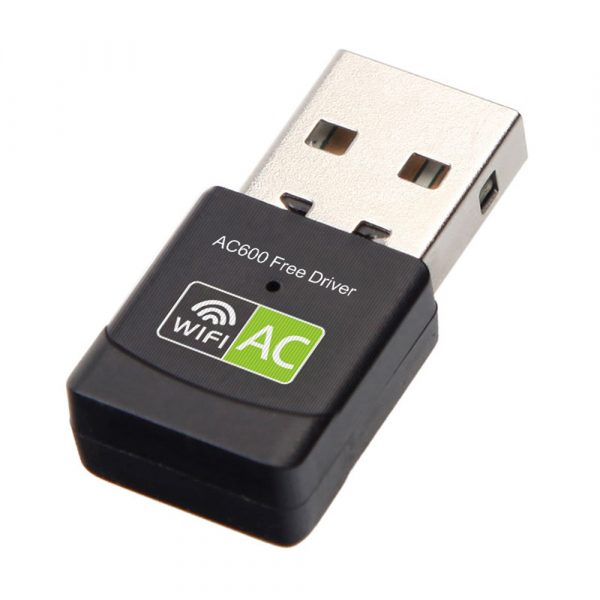
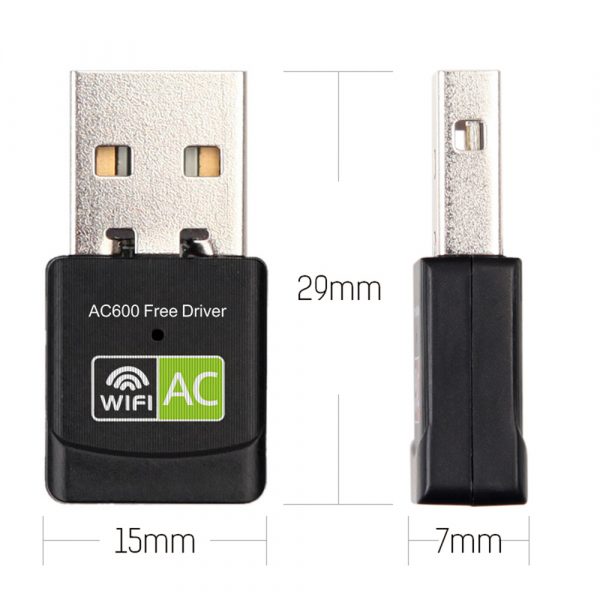
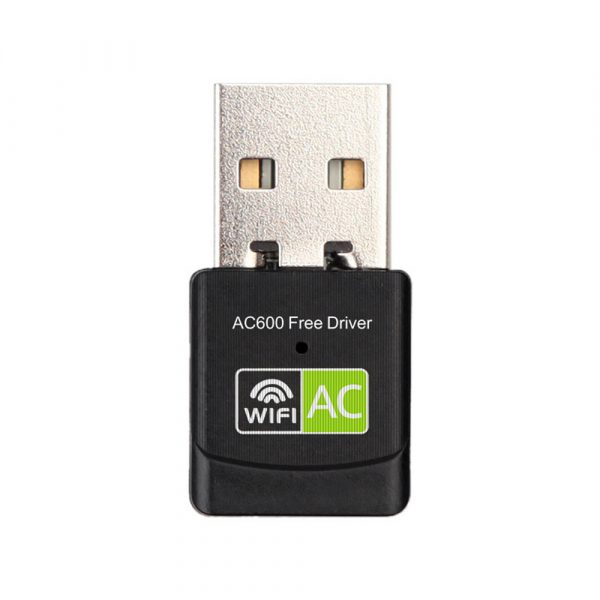
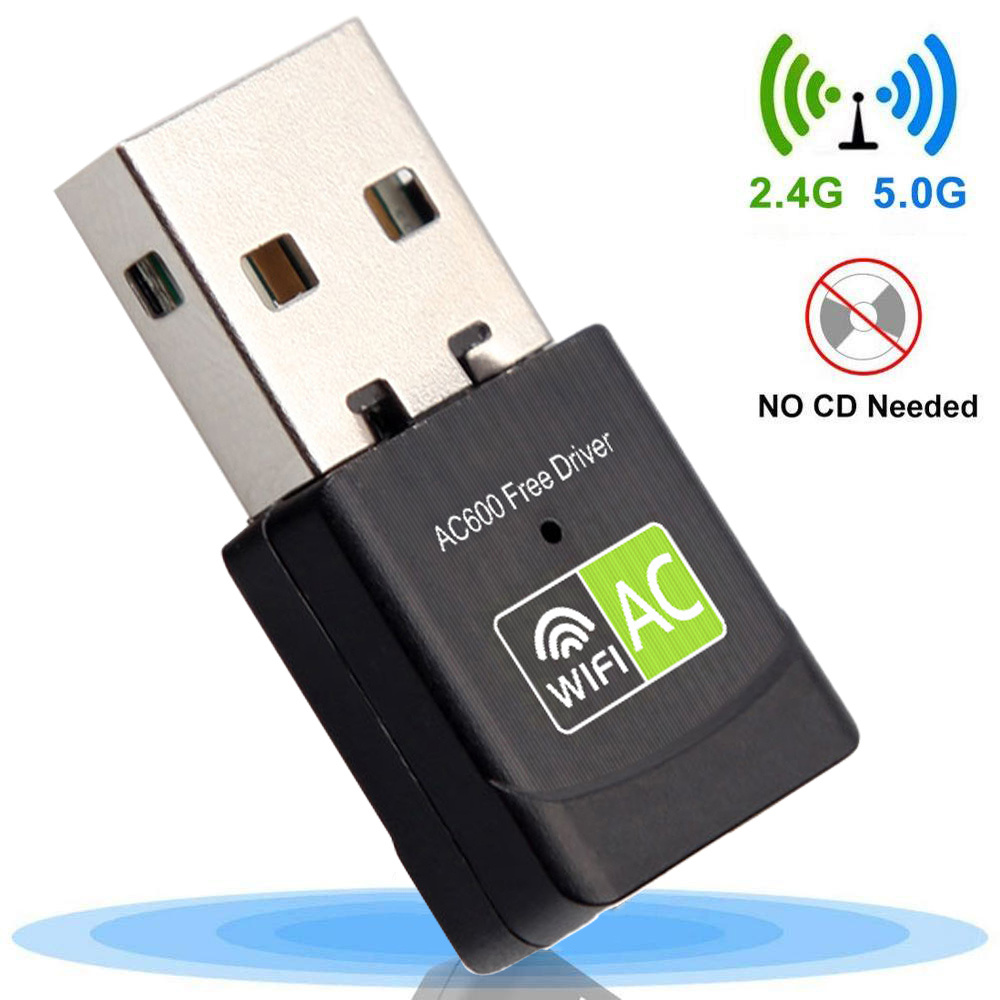
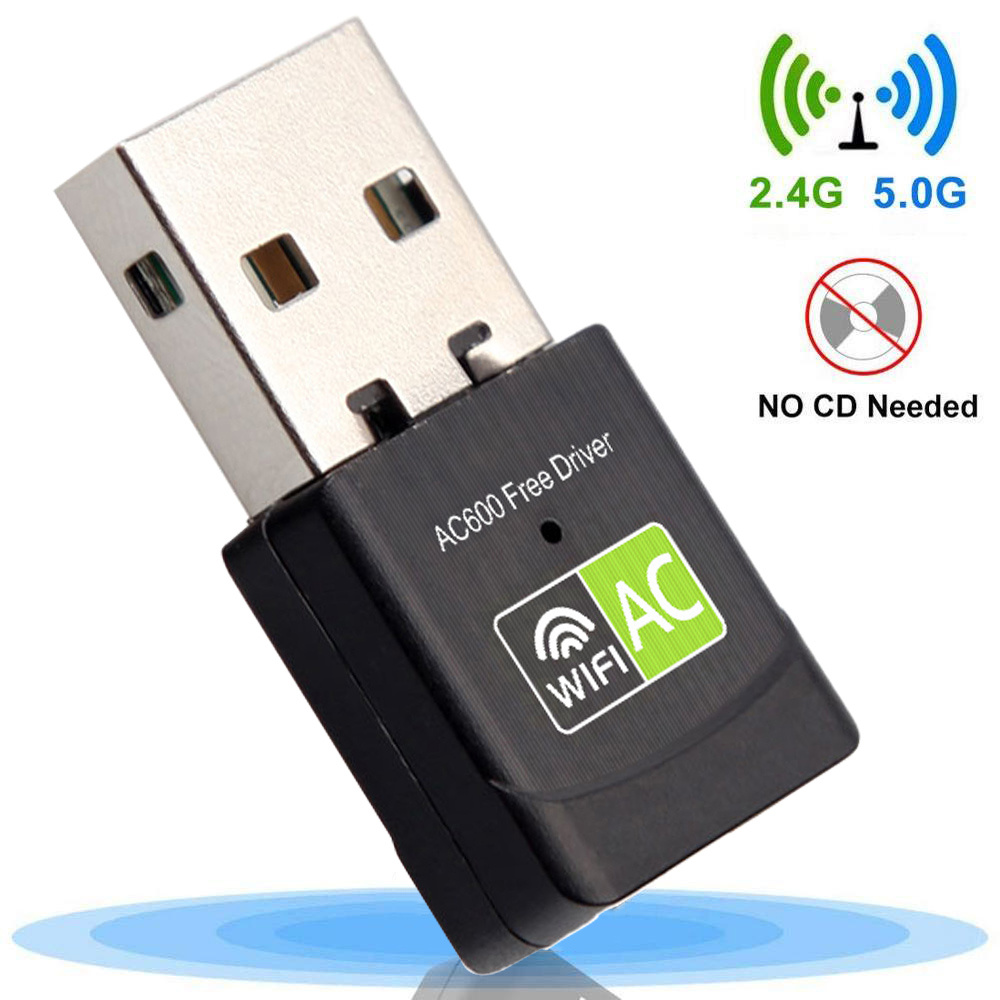
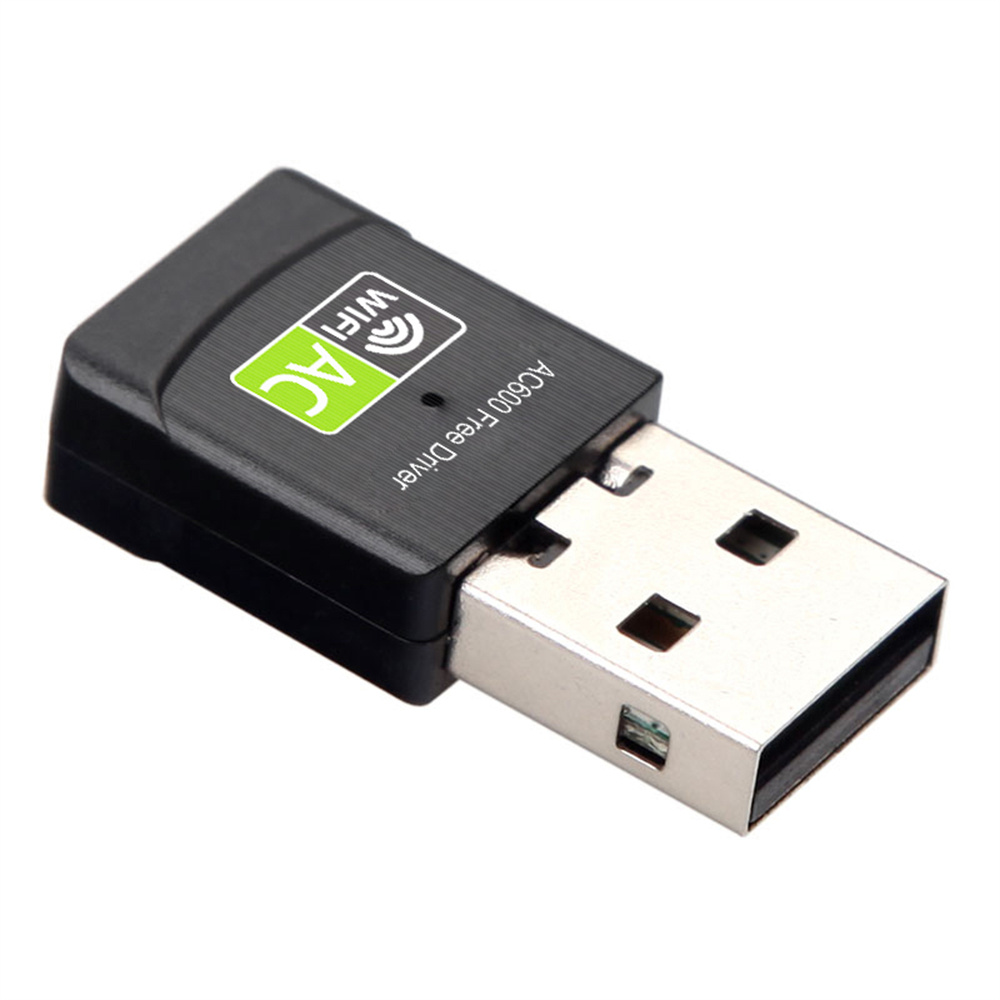
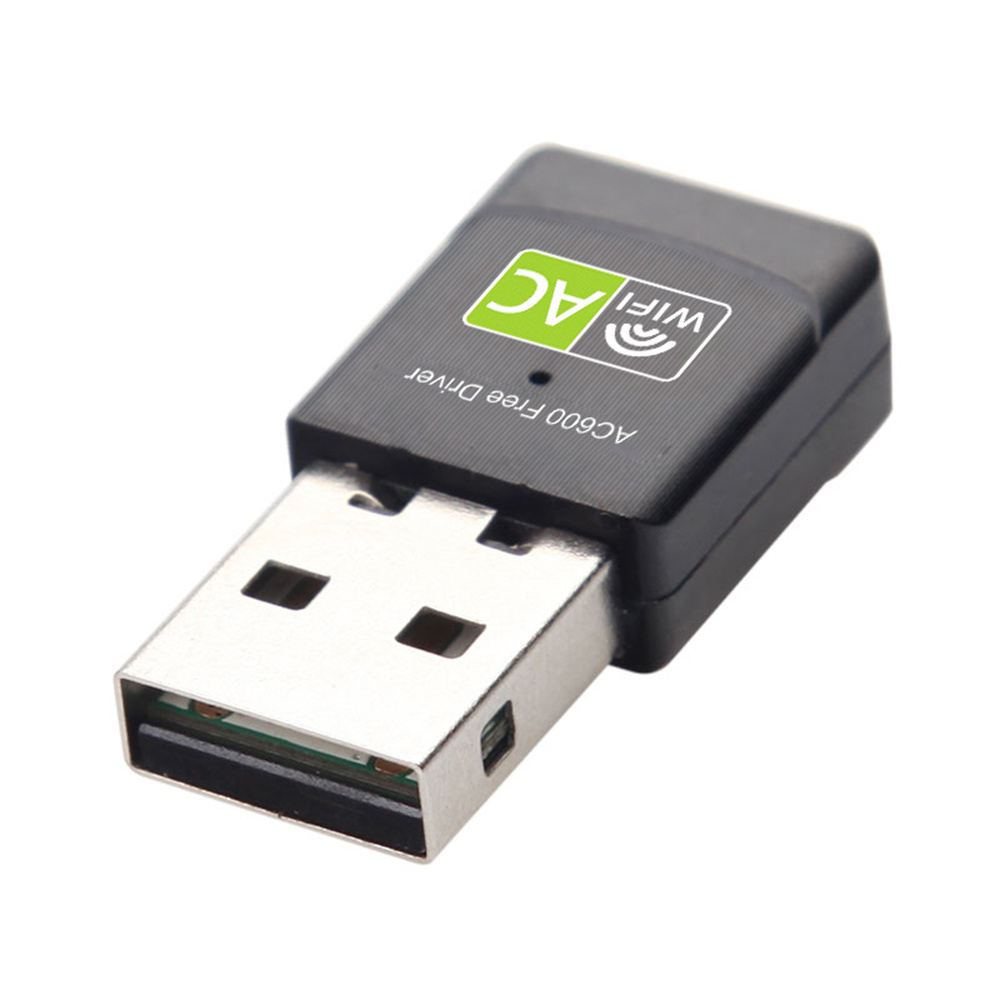
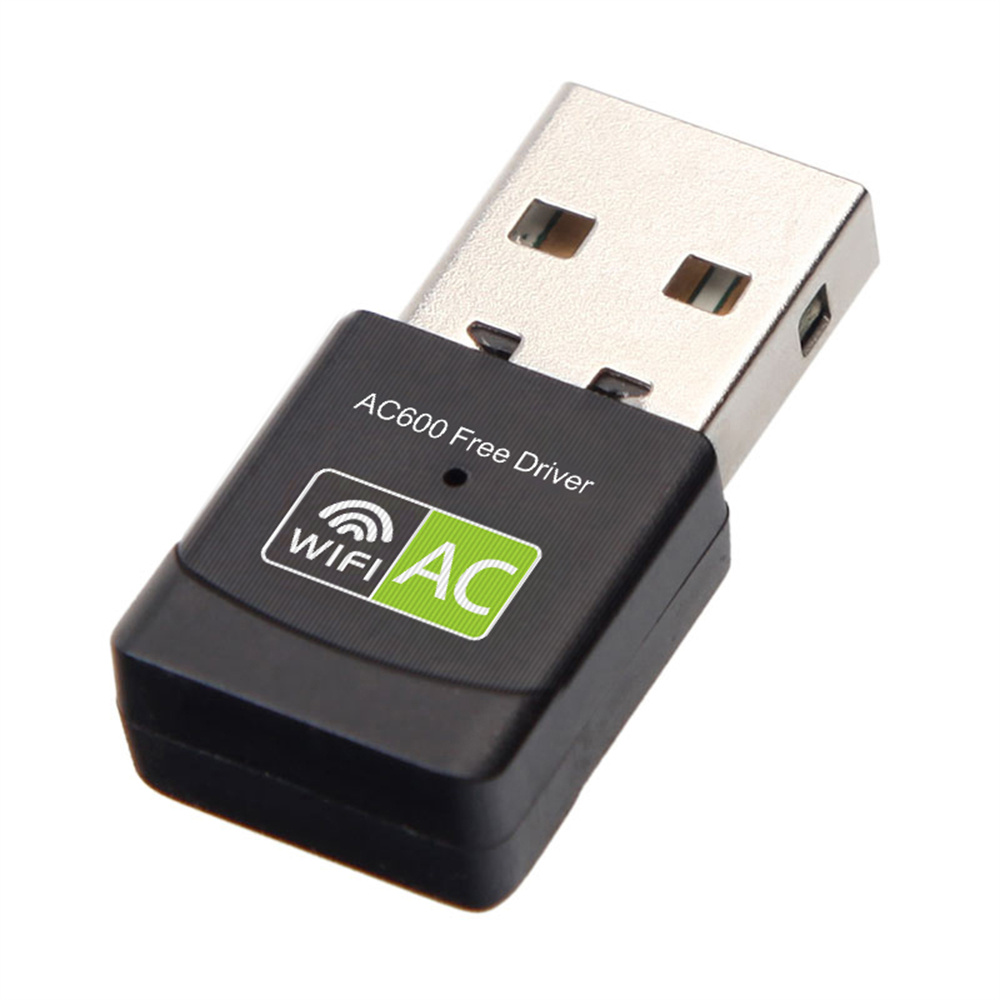
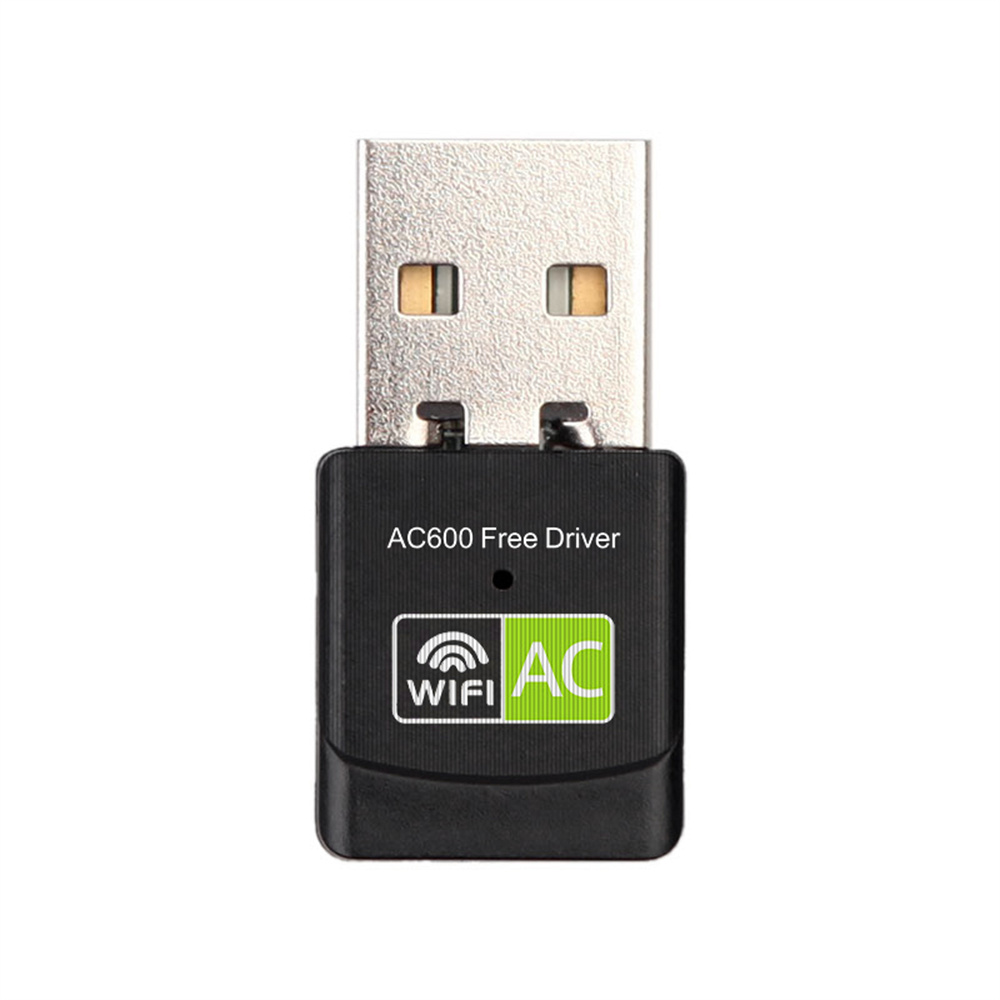
Unveiling our USB Wi-Fi Adapter offering a powerful dual band technology and smooth wireless networking experience for every PC, laptop, and desktop user. A versatile device that ensures you never face connectivity issues at home or office, bringing you fast speeds and stable connections at your fingertips.
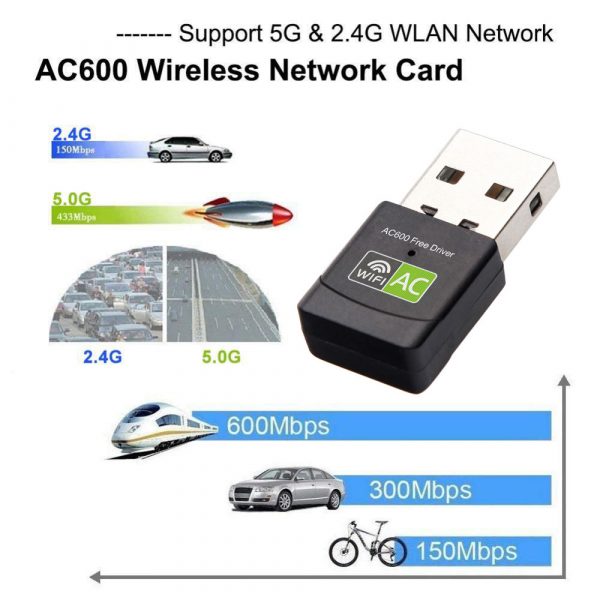
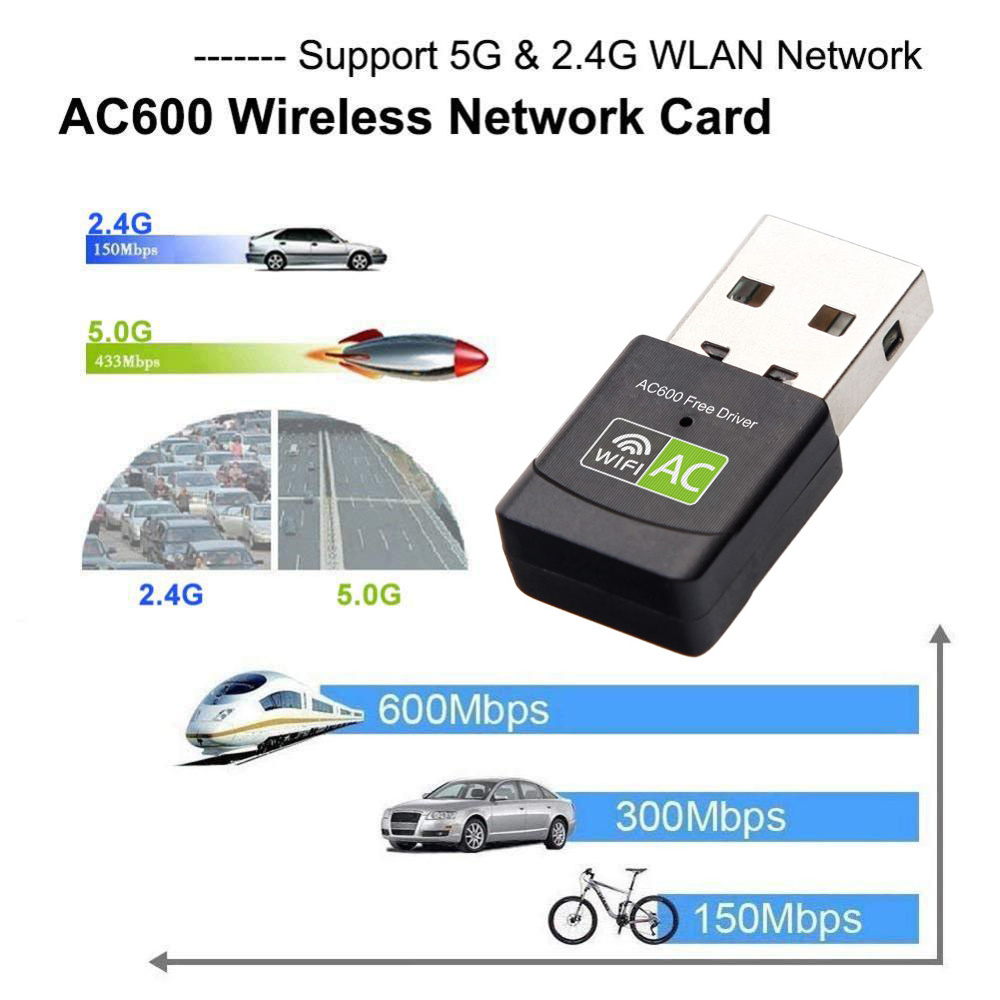
Our USB Wi-Fi Adapter is engineered meticulously to offer 600Mbps of high-speed internet with dual band capabilities of 2.4Ghz for basic internet tasks and 5.8Ghz to support demanding programs and gaming. It provides a remarkable solution for desktops without a built-in wireless card, or in instances where you need stronger Wi-Fi coverage and enhanced performance.
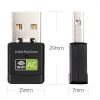
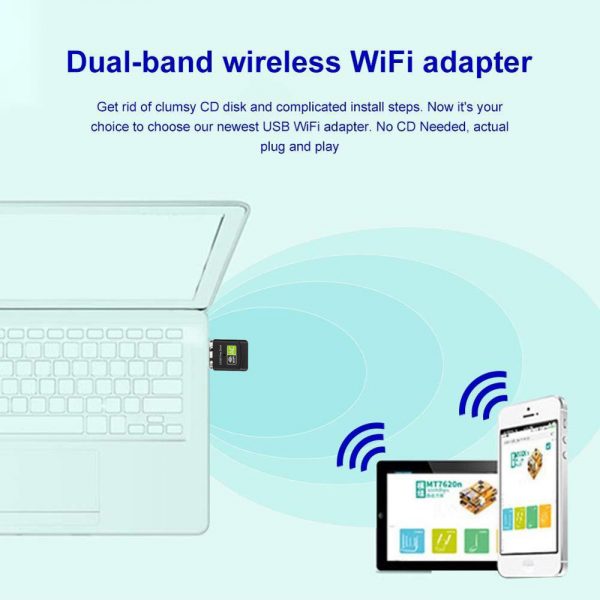
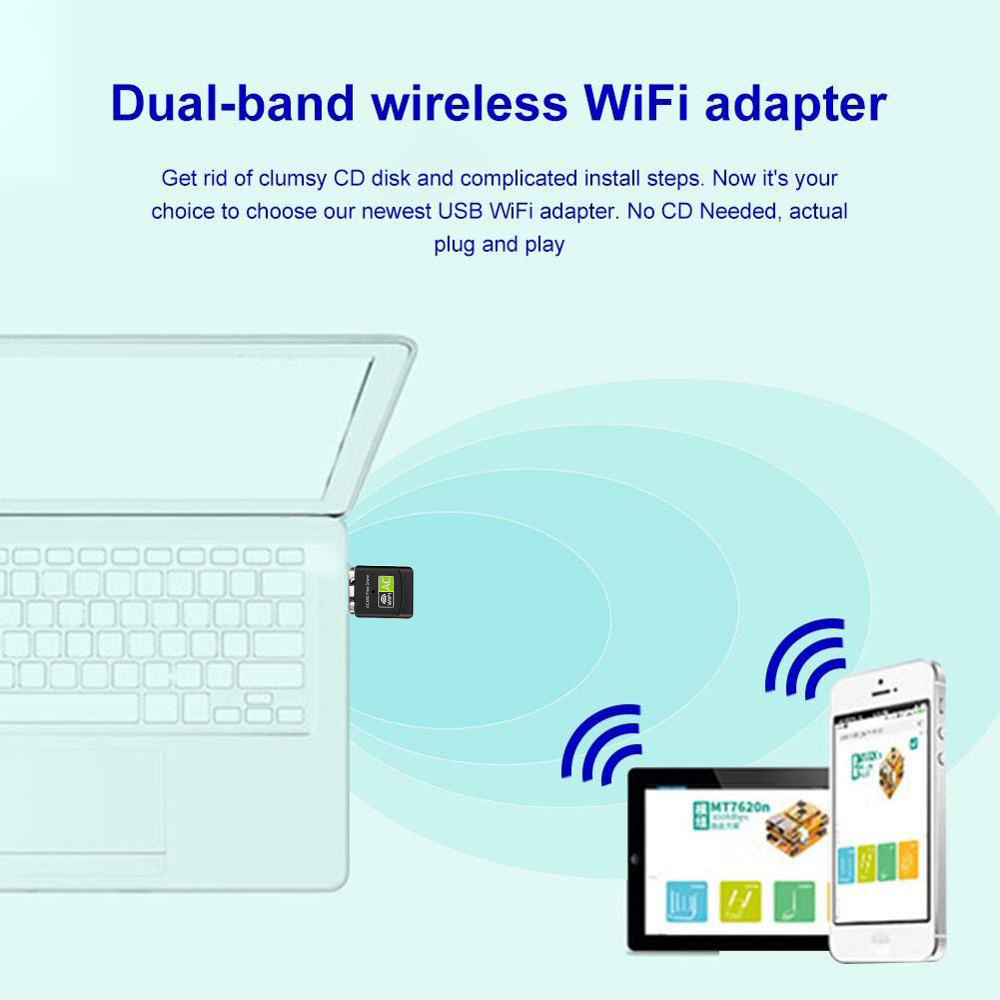
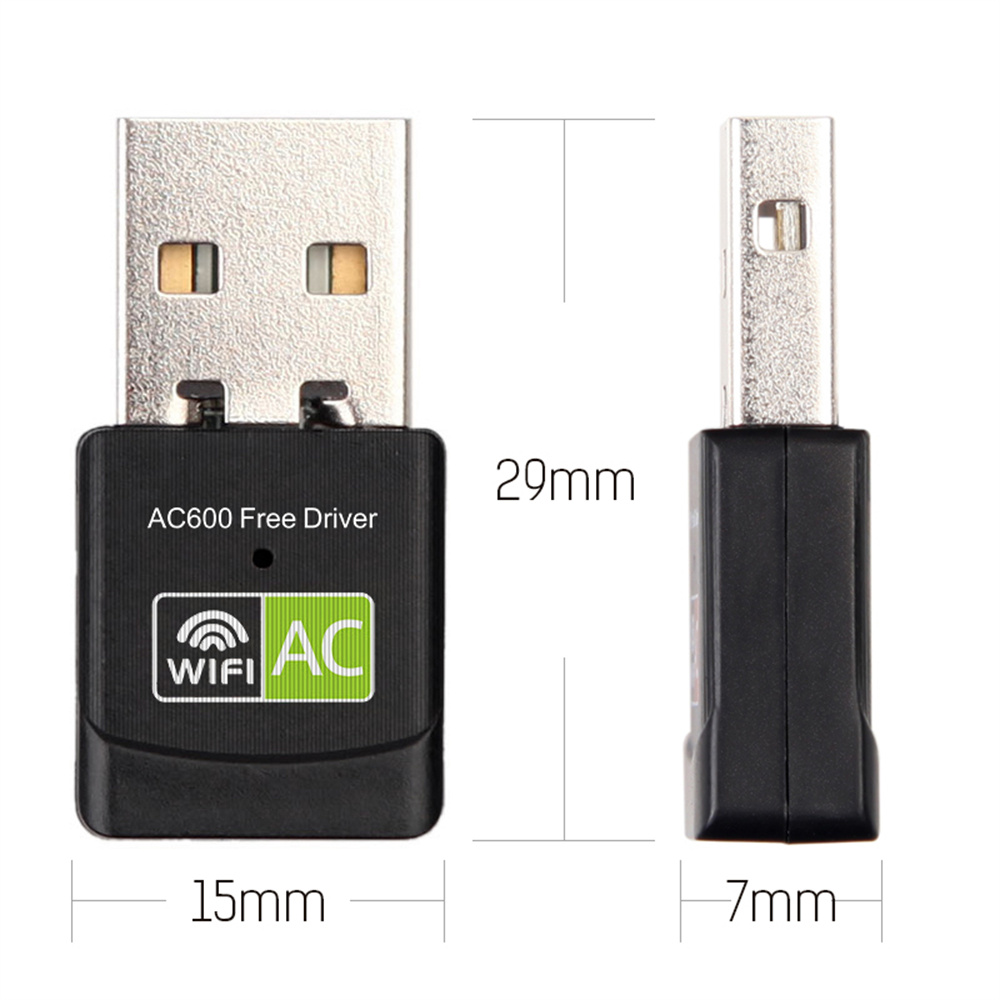
Portability comes easy with this compact Wi-Fi adapter, as it seamlessly integrates with any PC, laptop, or desktop through a standard USB port. Its compatibility with various OS like Windows, MacOS and Linux makes the adapter a versatile and universal internet solution.
With this USB Wi-Fi Adapter, bid farewell to intermittent internet, expensive hardware upgrades, or complicated network setups. Just plug this in and step into the new world of high-speed, stable, and wireless connectivity.
—
Understanding the Product
– The Wi-Fi adapters dual band technology of 2.4Ghz and 5.8Ghz can support both basic and high-demand internet tasks, giving you the best of both worlds.
– With up to a 600Mbps speed, the adapter ensures excellent connectivity for streaming, gaming, or high-definition video conferencing.
– The adapter serves as an ideal solution for computers without a built-in wireless card or where stronger Wi-Fi coverage is essential.
– Through its USB interface, the adapter easily fits into laptops or desktops, making it highly portable and versatile.
– Compatible with various operating systems including Windows, MacOS, and Linux, this device guarantees universal internet accessibility.
—
Helpful Tips
1. To fully utilize the Wi-Fi adapter’s dual-band capabilities, your router must also support dual-band Wi-Fi.
2. Ensure the USB port you’re plugging the adapter into is functioning correctly for maximum performance.
3. Keep your device’s drivers updated to make sure your Wi-Fi adapter functions seamlessly.
4. For optimal wireless coverage, strategically place your Wi-Fi adapter where it can receive the strongest signals.
5. Use the 5.8Ghz band for tasks requiring high data rates like gaming or streaming, and 2.4Ghz band for basic web browsing or emails.
Experience the unparalleled convenience of the plug-and-play mechanism, unmatched connectivity, and high-speed internet with our USB Wi-Fi Adapter, your perfect accessory for a seamless internet experience.
Our Support Center https://support.digitaldevices.ca or support@digitaldevices.ca
Reviews
There are no reviews yet.