

Description
—
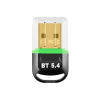
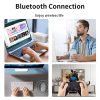
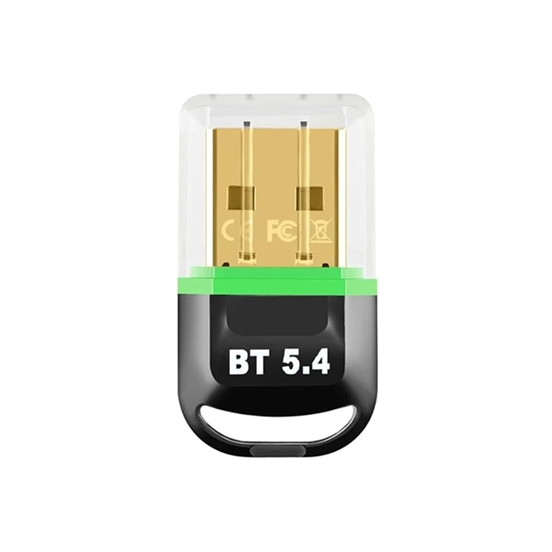
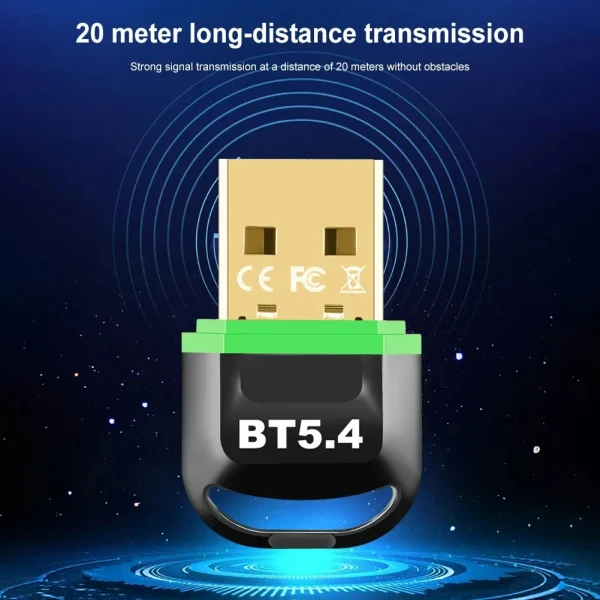
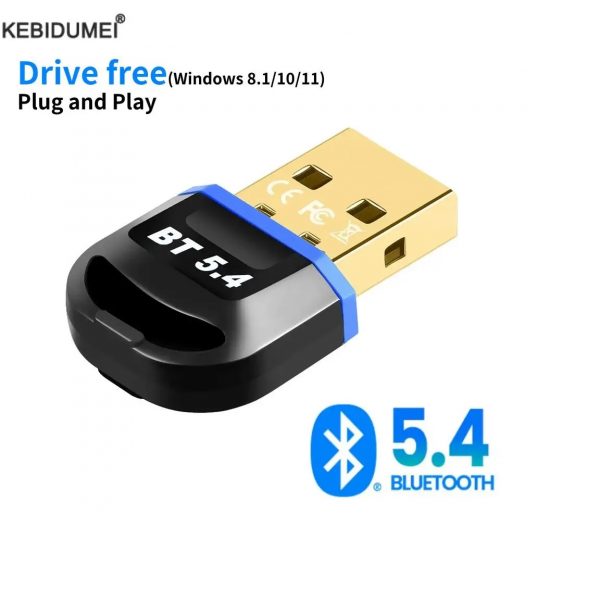
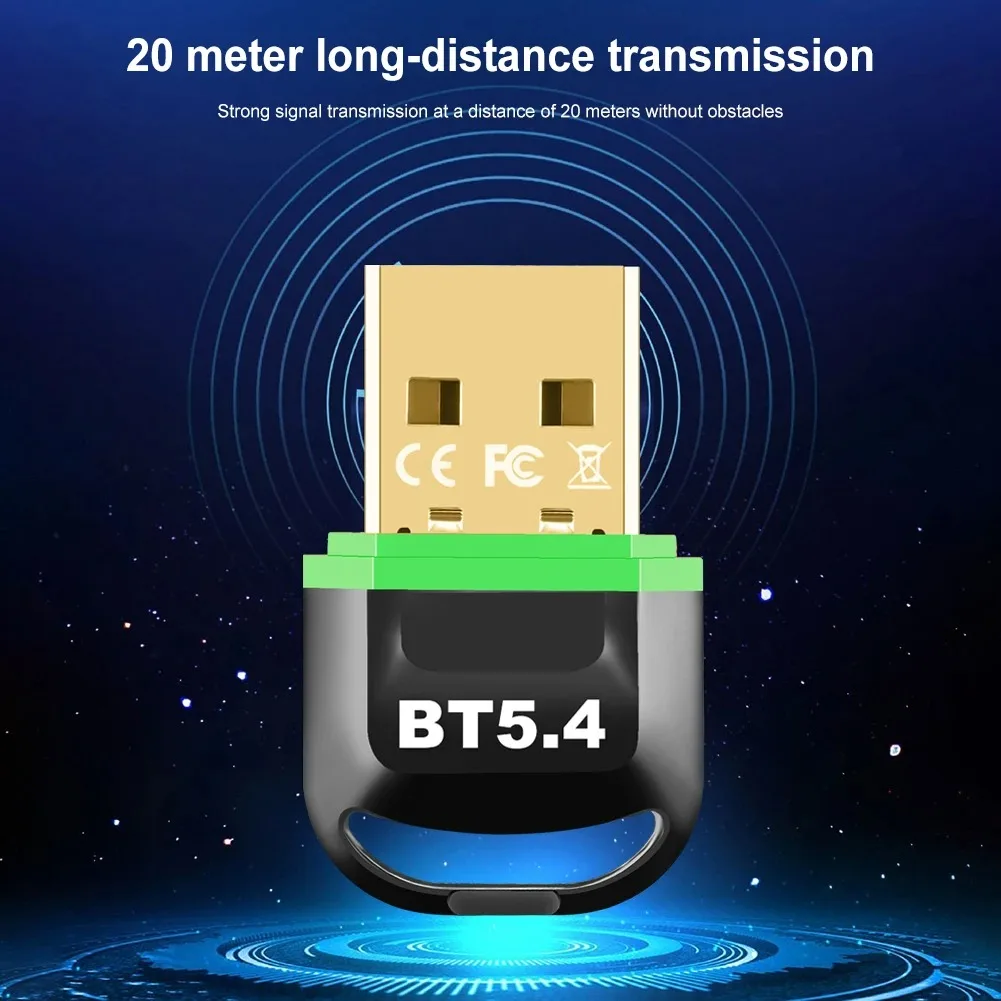
Introducing our highly-efficient Bluetooth 5.4 Adapter for PC, a herald of seamless wireless connectivity for your peripheral devices. Specifically designed for PC users, it delivers wireless capabilities to your computer, making it interactive with a variety of Bluetooth-enabled gadgets.
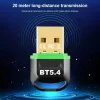
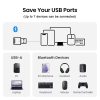
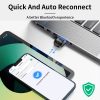
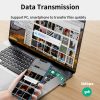
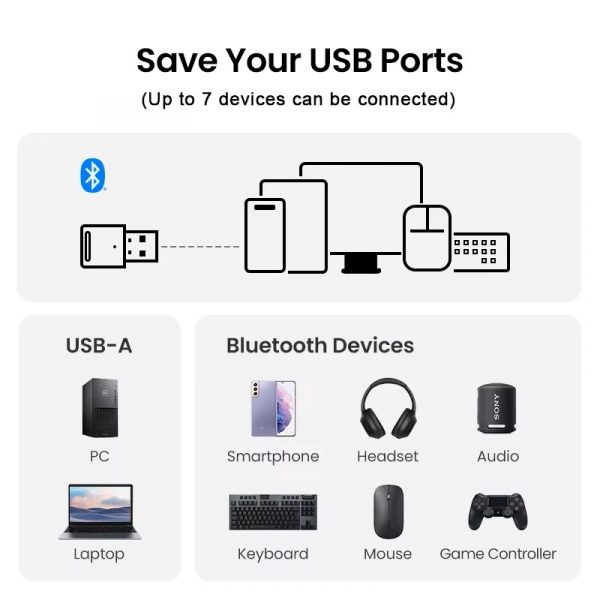
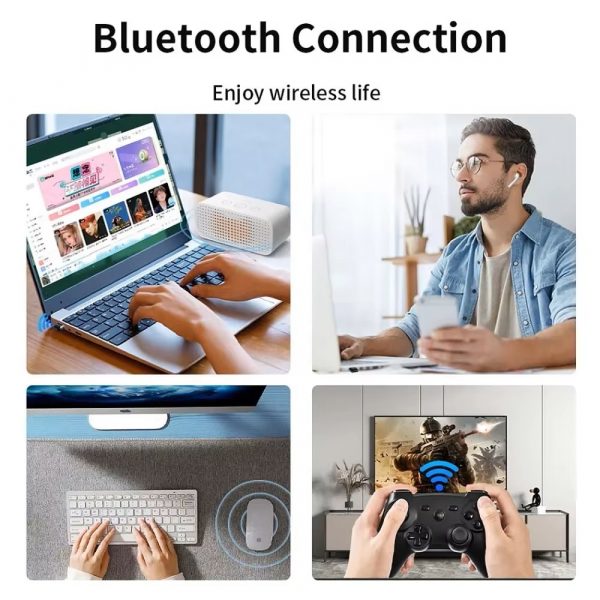
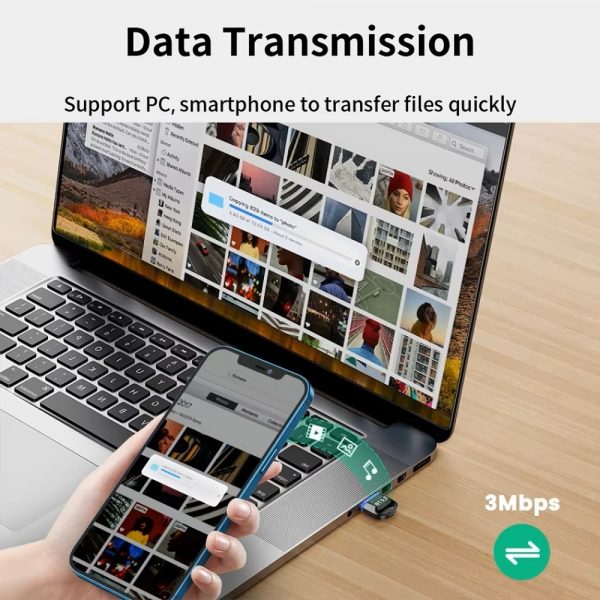
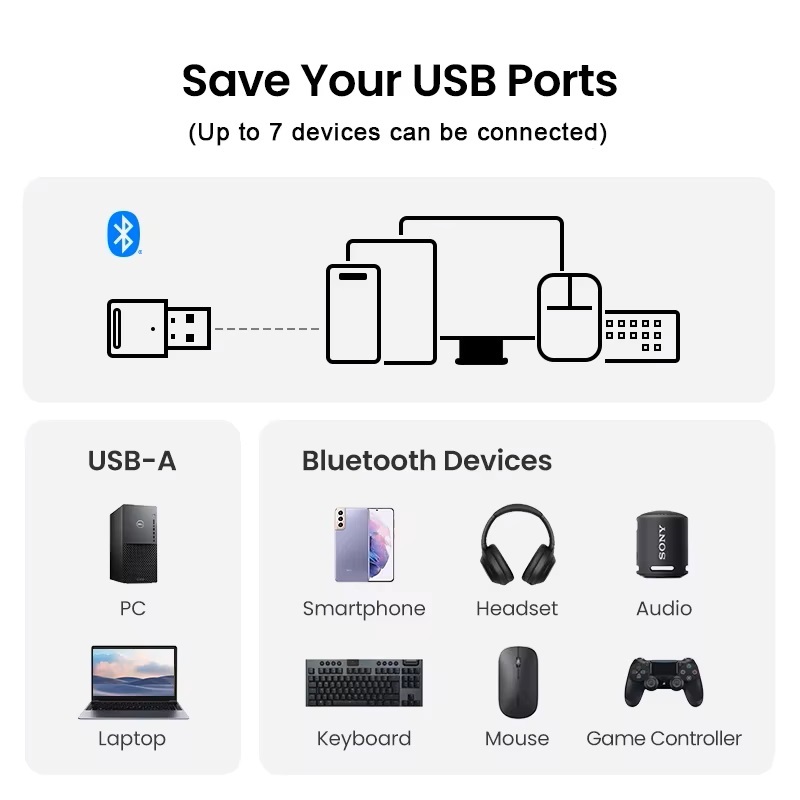
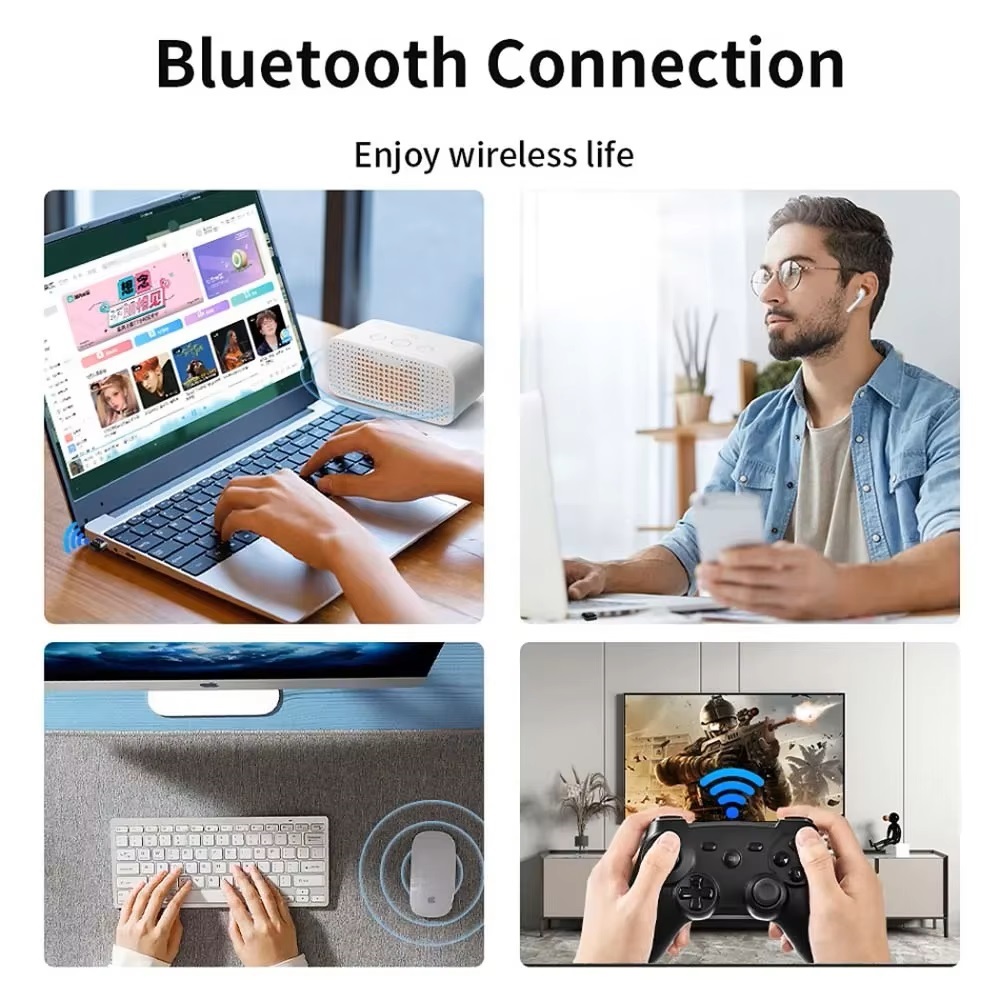
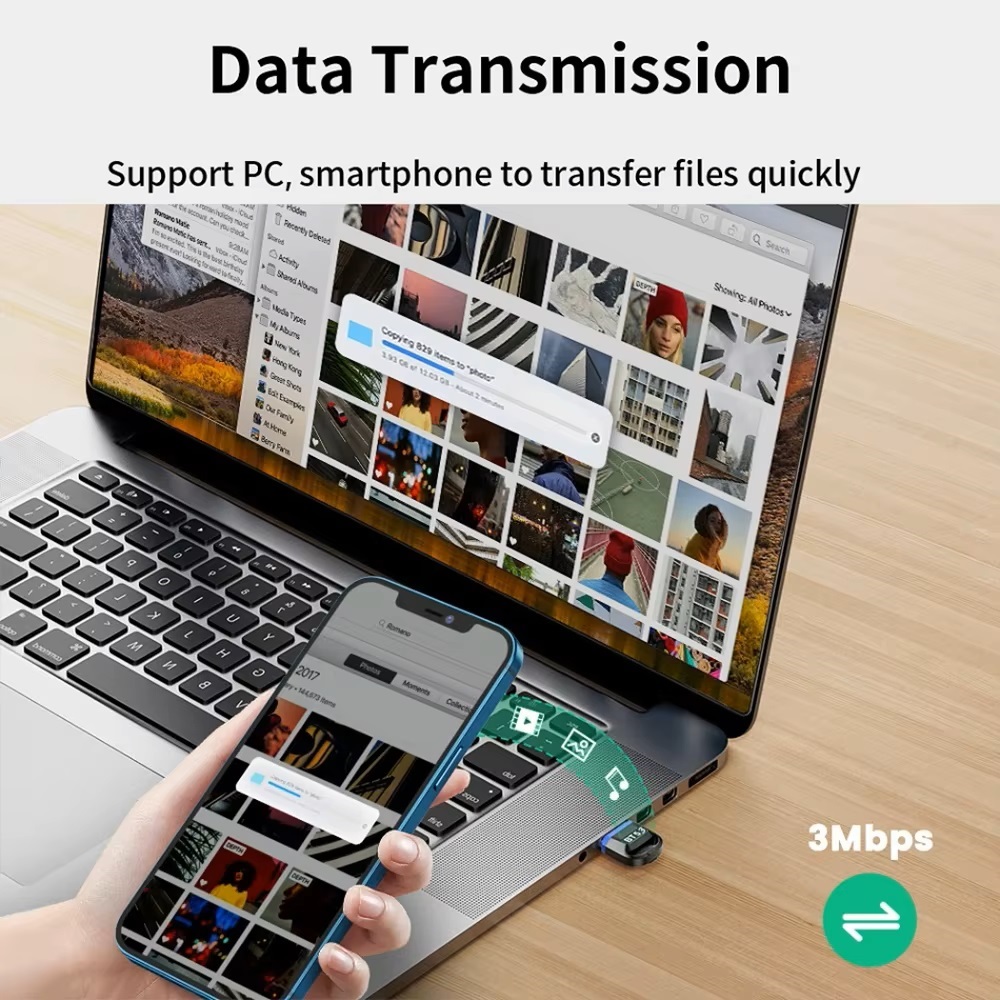
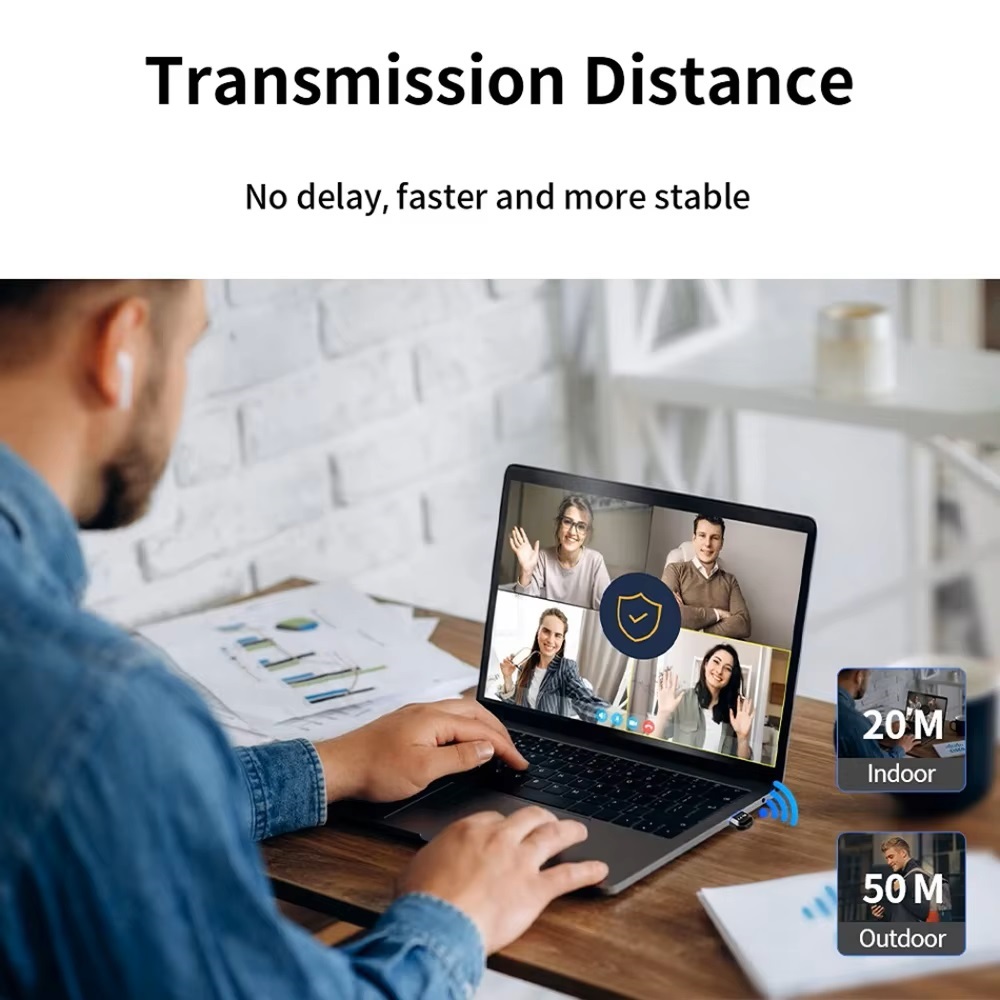
Our USB dongle is empowered with the advanced Bluetooth 5.4+EDR technology, aimed at enhancing the connectivity range, data transmission speed, and power consumption efficiency. This leads to your devices communicating smoothly and without interruption. This compact device enables your PC to connect with up to 7 different devices such as wireless keyboards, mice, speakers, or headsets – all at the same time.
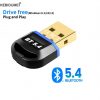
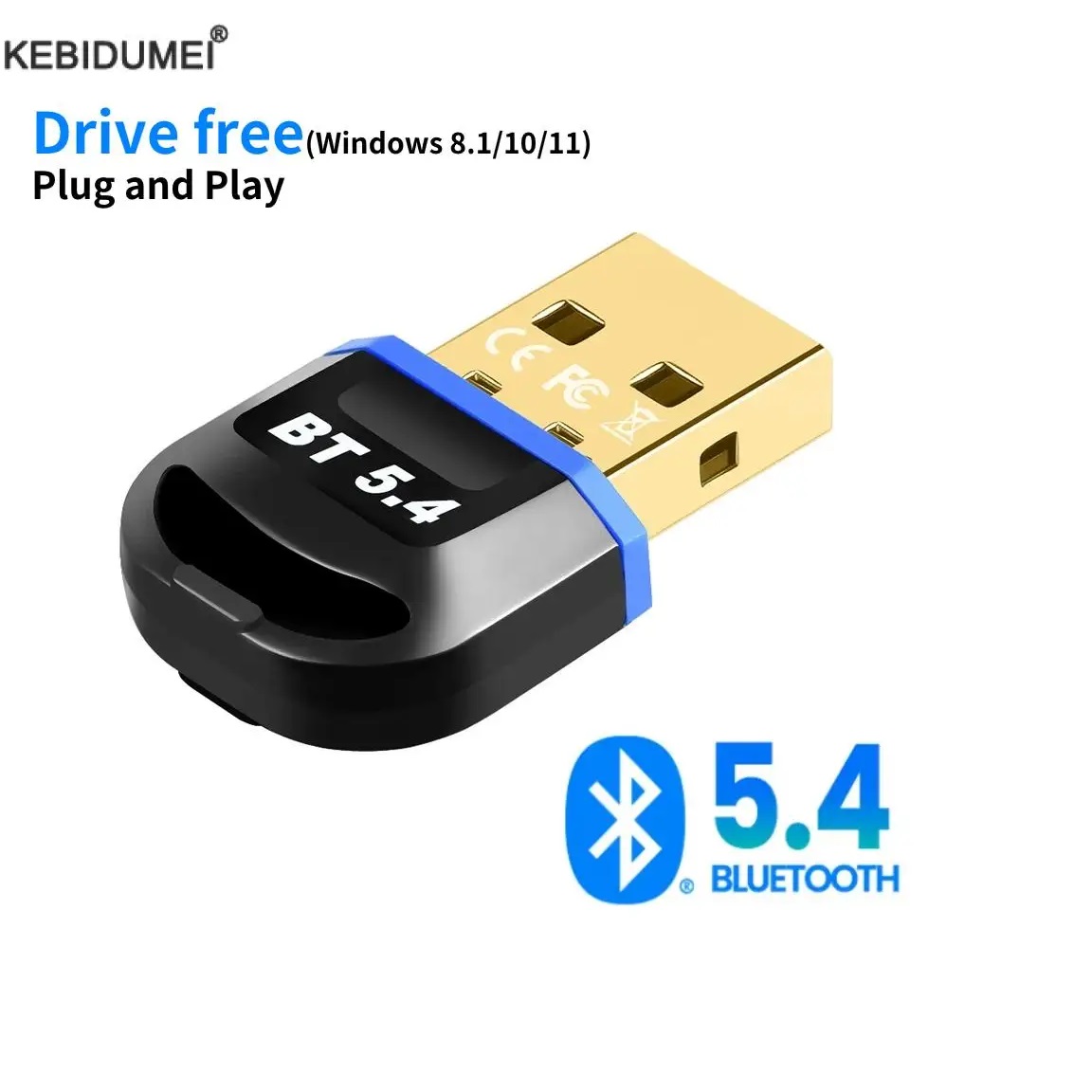
The Bluetooth Receiver Transmitter offers prolonged compatibility primarily supporting a range of operating systems like Windows 11, Windows 10, and Windows 8.1. Please note that the adapter is not Mac OS compatible. With a ‘Plug and Play’ design functionality, complicated installation processes are a thing of the past, and rapid wireless connectivity is the reality.
—
Understanding the Product
– The Bluetooth Adapter is designed with the latest Bluetooth 5.4+EDR technology, ensuring faster data transmission, improved power efficiency, and a broader connectivity range.
– The adapter allows your PC to connect to multiple devices (up to 7) such as wireless keyboards, mice, speakers, or headsets, without overcrowding your USB ports.
– The device is compatible with various versions of Windows, such as Windows 11, Windows 10, and Windows 8.1, but it is not compatible with Mac OS.
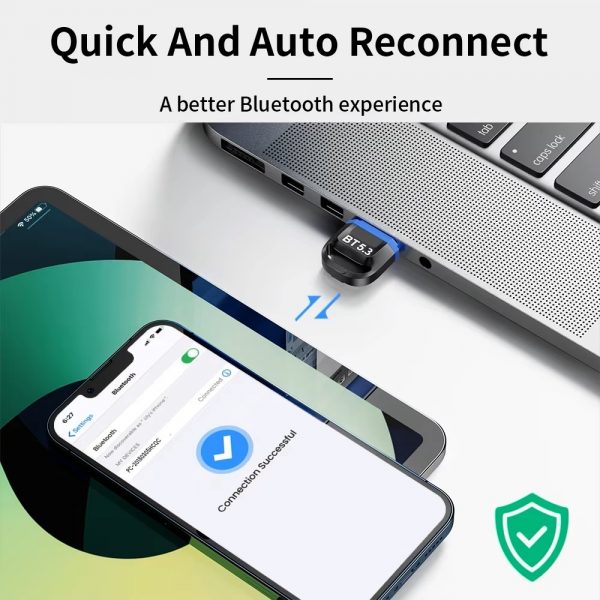
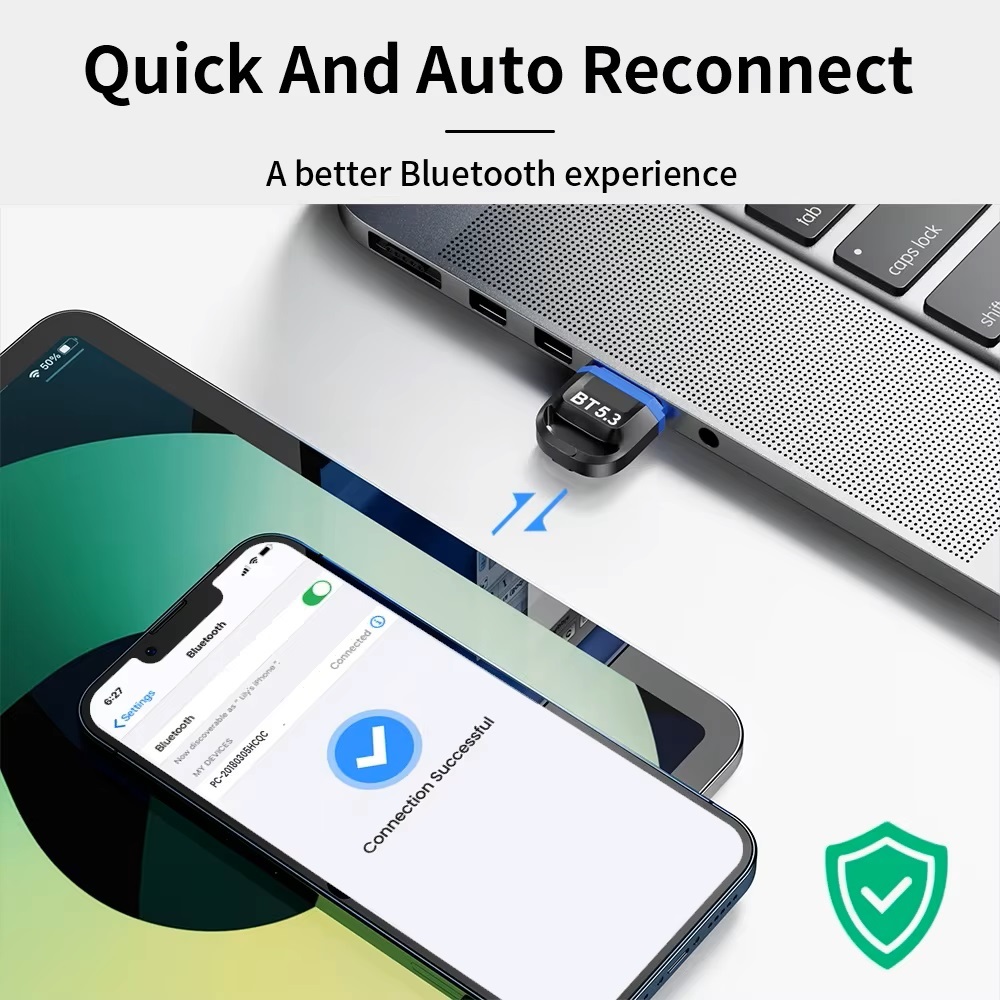
– Thanks to the ‘Plug and Play’ design, you can easily install the adapter and start using it immediately.
—
Helpful Tips
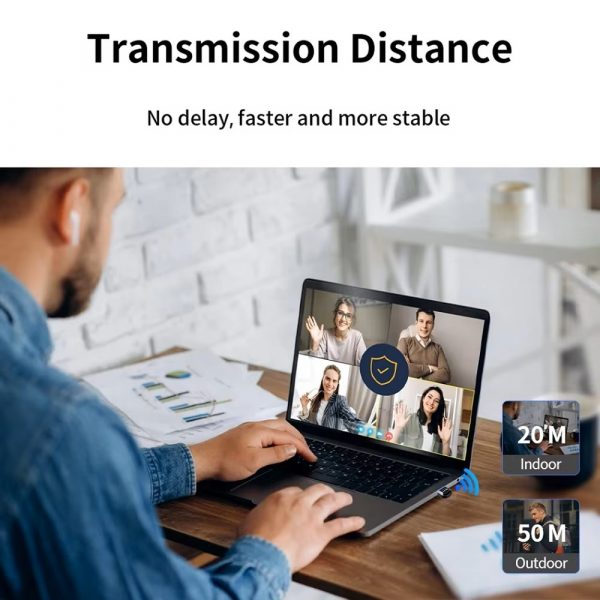
1. Make sure your Bluetooth devices are within the effective range of the adapter for the best connection.
2. Keep the adapter’s drivers updated to ensure seamless connectivity.
3. Disconnect unused Bluetooth devices from the adapter to optimize its performance.
4. Turn on ‘discovery’ mode on your Bluetooth devices for easy connection with the adapter.
5. Regularly check for software updates to maximize the potential of the adapter.
If your Bluetooth adapter does not work (there is a driver error problem), please use the following methods to solve it.
Since Windows 10 system has Bluetooth function which is the “Intel(R) Wireless Bluetooth” in this image,
So you need to right-click to disable the Bluetooth: “Intel(R) Wireless Bluetooth” and then re-plug our Bluetooth adapter to try,
The USB Bluetooth adapter can only be plugged into your desktop or laptop computer, and cannot be used on other devices such as a car.
Before using the product, please disable the Bluetooth of the computer itself, and uninstall the existing Bluetooth driver of the computer, and then install the driver of this product.
Embrace a new level of wireless convenience with our Bluetooth 5.4 Adapter for PC, and bid goodbye to entangling wires. Please note, this device is not suited for use with Mac OS. Nonetheless, for other operating systems, a splendid world of Bluetooth connectivity awaits.
Our Support Center https://support.digitaldevices.ca or support@digitaldevices.ca
Reviews
There are no reviews yet.